

TROWReStore.
ReStore is TROW Group's marketplace for giving salvaged materials a second life. You can browse the marketplace for available items or visit The Vault to reserve pre-sale items. Join us in building a more sustainable community.
How ReStore Works
SearchSearch Item
Browse marketplaceBrowse our marketplace
EnquireEnquire about item
Contact sellerContact the seller
ReceiveReceive item
Collect purchaseCollect your purchase


Built From ReStore
See what our community has created with salvaged materials.
PIPC CHURCH
Sep 29, 2026

PIPC CHURCH: Community Garden Boxes
PIPC reached out to ask whether we had any salvaged timber from our projects, and of course, we said yes. Based in Pt England, the church developed an amazing initiative to support its church families and the local community by creating garden boxes that will provide fresh produce for everyone to enjoy. The idea grew from the church’s desire to encourage a healthy lifestyle. We had plenty of native and untreated timber, which was ideal for the garden boxes they wanted to make. This donation not only enabled the church to begin the project but also created a full-circle moment: the native timber had come from one home, where it served as framing and protection for one family, and has now been transformed into something that will help feed many more families.
Ranui Community Centre
May 18, 2026

Outdoor Garden
Proud to support the Ranui Community Centre community garden project by donating salvaged pavers for this amazing space. ♻️🌿 The team has already made great progress, creating mural designs and transforming the garden into a vibrant community area filled with creativity and culture. It’s awesome to see reclaimed materials being reused to help build something meaningful for the local community. Check out these progress photos — we can’t wait to see the finished result come to life.
Kotuku Kura
Apr 8, 2026

Staircase steps
From reclaimed to reimagined These steps started as recycled timber, given a second life and carefully crafted into something meaningful for this family home. What was once overlooked is now a warm, character-filled feature that will be part of everyday moments for years to come. Sustainable, practical, and built with purpose — this is what giving materials a second chance is all about. Swipe through to see the transformation. Thinking about using salvaged materials in your next project? Let’s make it happen.
Community Stories
Hear directly from our community about what they reclaimed and what they built.
"We sent a container to Tonga filled with salvaged timber to help build a better home for my family there."
Reused: Recycled Timber
— Sione
"Renovate our family home in Tonga"
Reused: Internal doors
— Finau
"I improved renovations on my farm "
Reused: Timber, Bricks, Aluminium Doors
— Lia
"I created a barricade for a family friends farm"
Reused: Recycled Timber
— Allan
"I used 11 salvaged timber trusses to start building my sleepout!! "
Reused: Timber Trusses
— Tevita
Our Deconstruction Sites
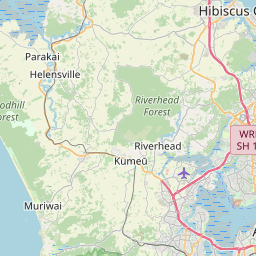
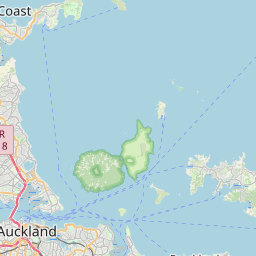
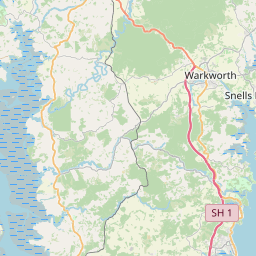
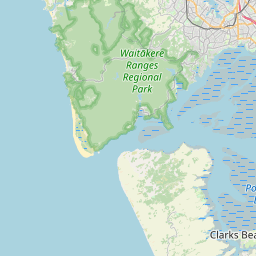
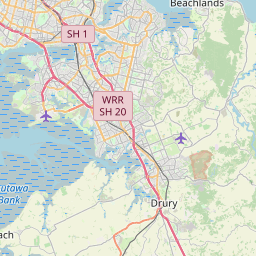
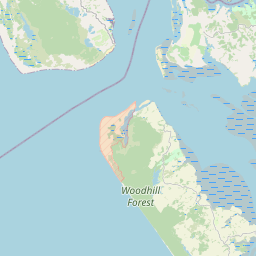
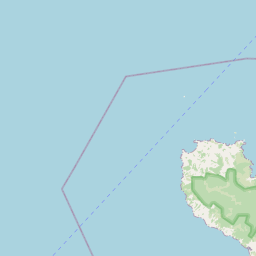
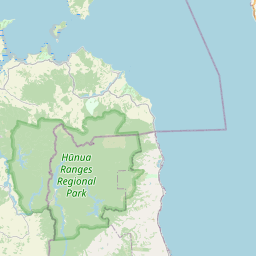
Find materials salvaged directly from our active projects across Auckland.



OUR JOURNEY
Excellence in Deconstruction
We are committed to the highest standards of safety, sustainability, and community partnership.
Award-Winning Excellence
Recognized with numerous industry awards for our commitment to innovation and best practices in deconstruction.
Certified & Qualified
Our team holds the highest safety certifications, ensuring every project is managed with utmost professionalism and care.
Sustainability Leaders
Pioneering the circular economy by diverting thousands of tonnes of materials from landfill for reuse.
Community Partnerships
Collaborating with local organizations and iwi to create positive social outcomes and support community initiatives.
Interested in an Item?
We offer two simple ways to get in touch, ensuring your message is always received.
Directly contact sellers by creating a free account. This protects our sellers from spam and gives you a direct line of communication.
Step 1: Sign Up / Log In
Create a free account or log in. The login button is in the top right corner of the site.
Step 2: Find Your Item
Browse the marketplace and open the detail page for any item you're interested in.
Step 3: Contact Seller
Click the 'Contact Seller' button on the item page to send them an email directly.
Bonus: Save Items
Star items to save them to your profile and revisit them later. View all your saved items and inquiries from your profile page.
If you prefer not to create an account, or if an item is sold, you can express interest through our general inquiry form.
Step 1: Find an Item
Browse the marketplace for available or sold items you are interested in.
Step 2: Open Item Page
Click on an item to go to its detail page to see more information.
Step 3: Use the Form
Click the 'Inquire' or 'Notify Me' button to open and submit the inquiry form.